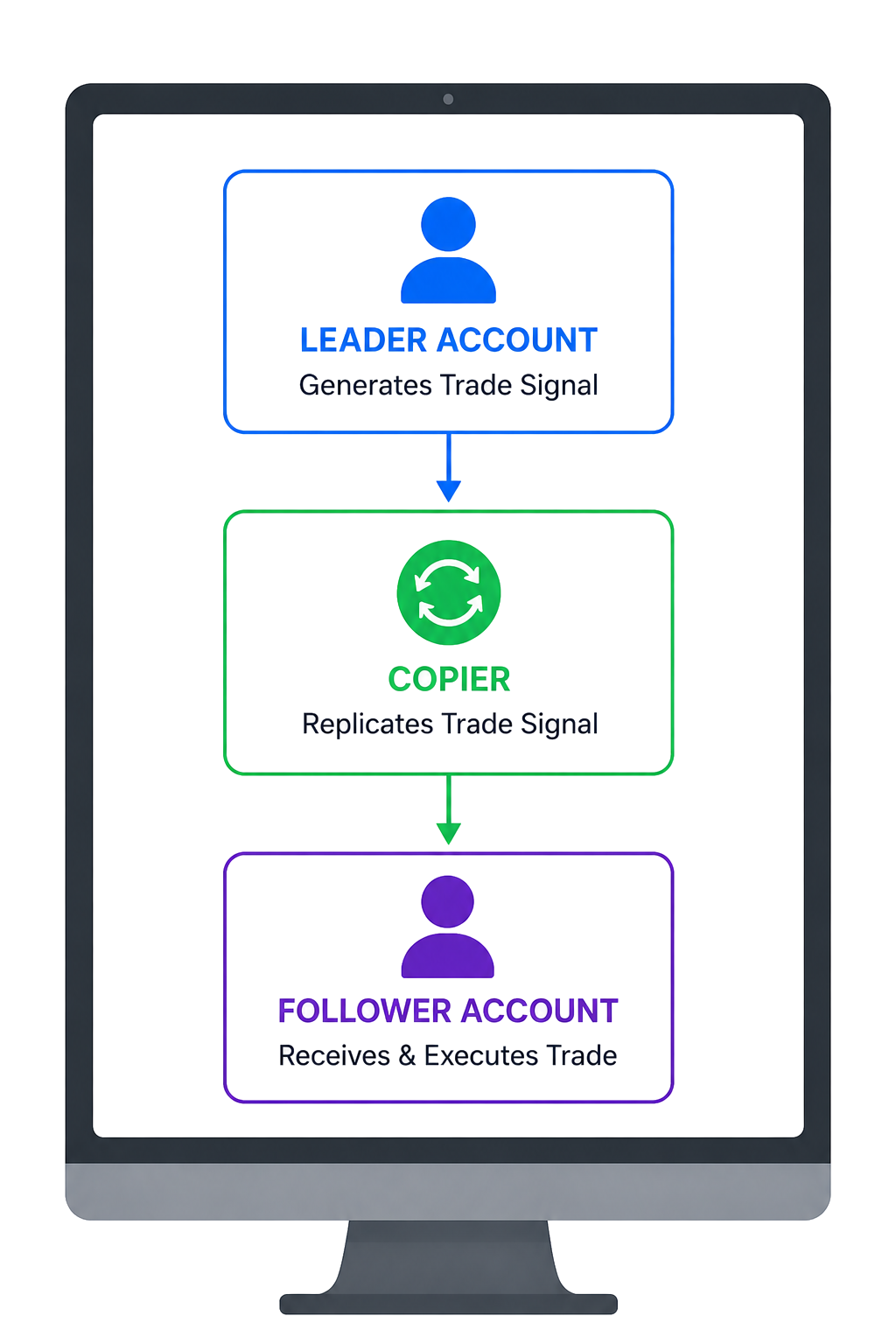
The most flexible NinjaTrader trade copier. Local, LAN, or Internet — fully controlled, end‑to‑end. Built for prop firms and traders scaling to dozens of accounts.
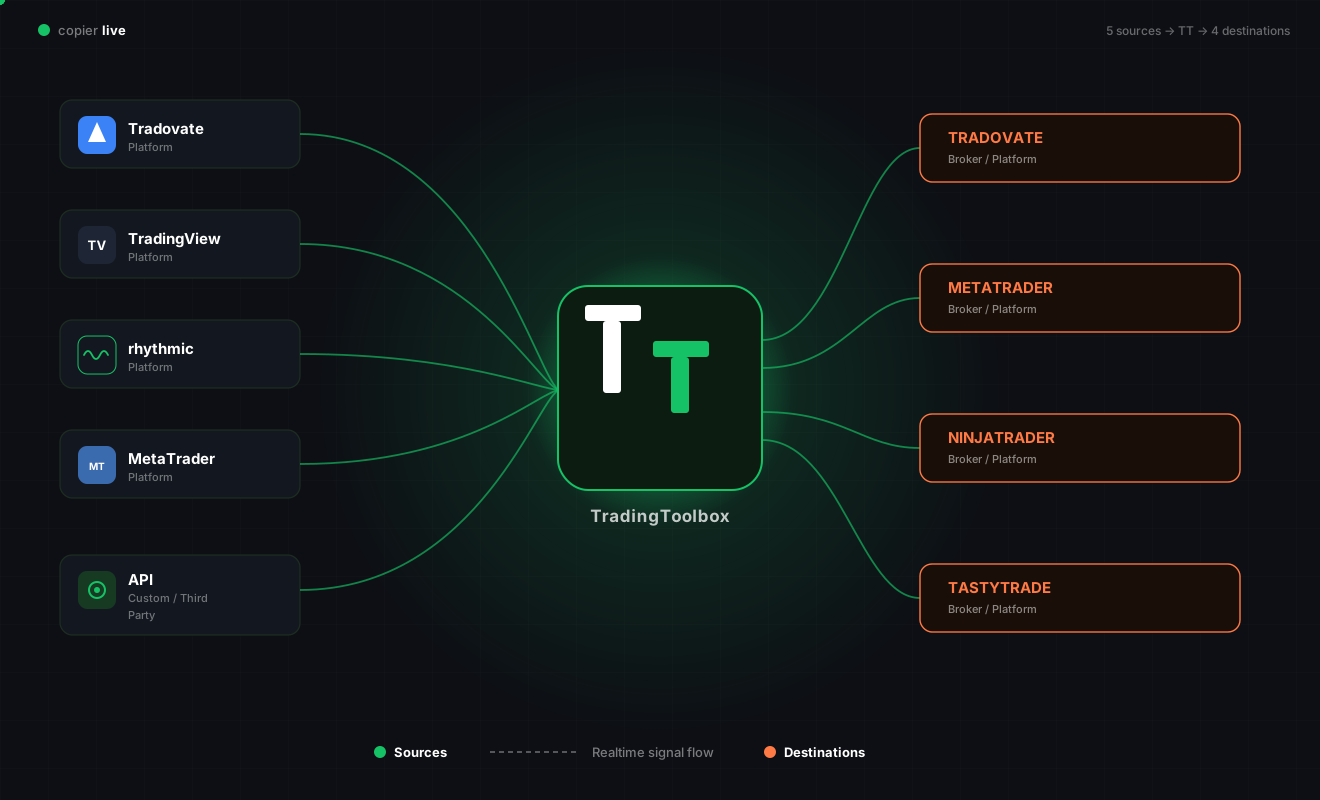

Manually placing trades on multiple accounts takes too much time.
Diffrent entries on each account lead to inconsistent results.
Expensive and complex copier setups that are hard to maintain.
Unreliable copiers that disconnect or lose trades.
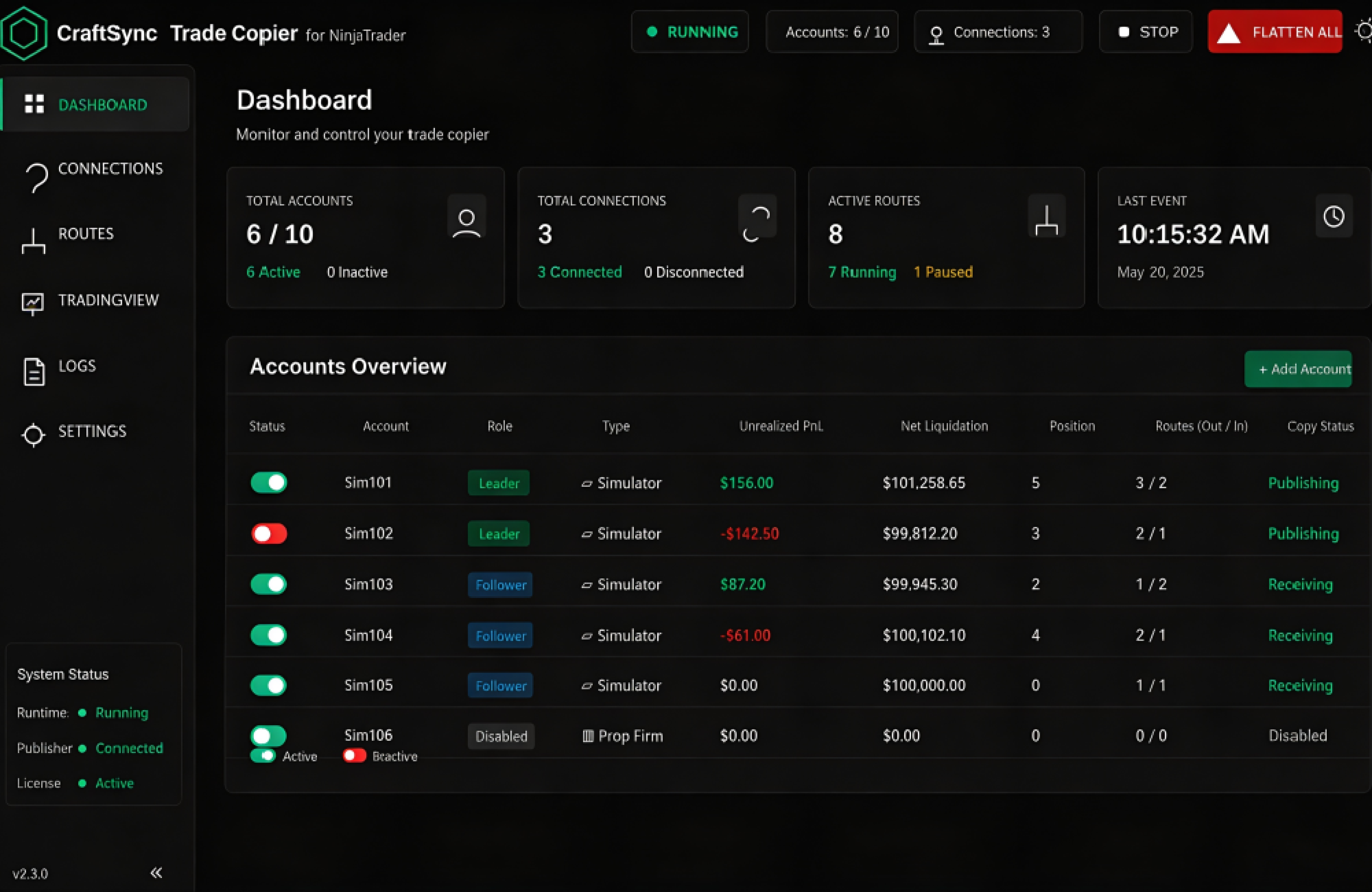
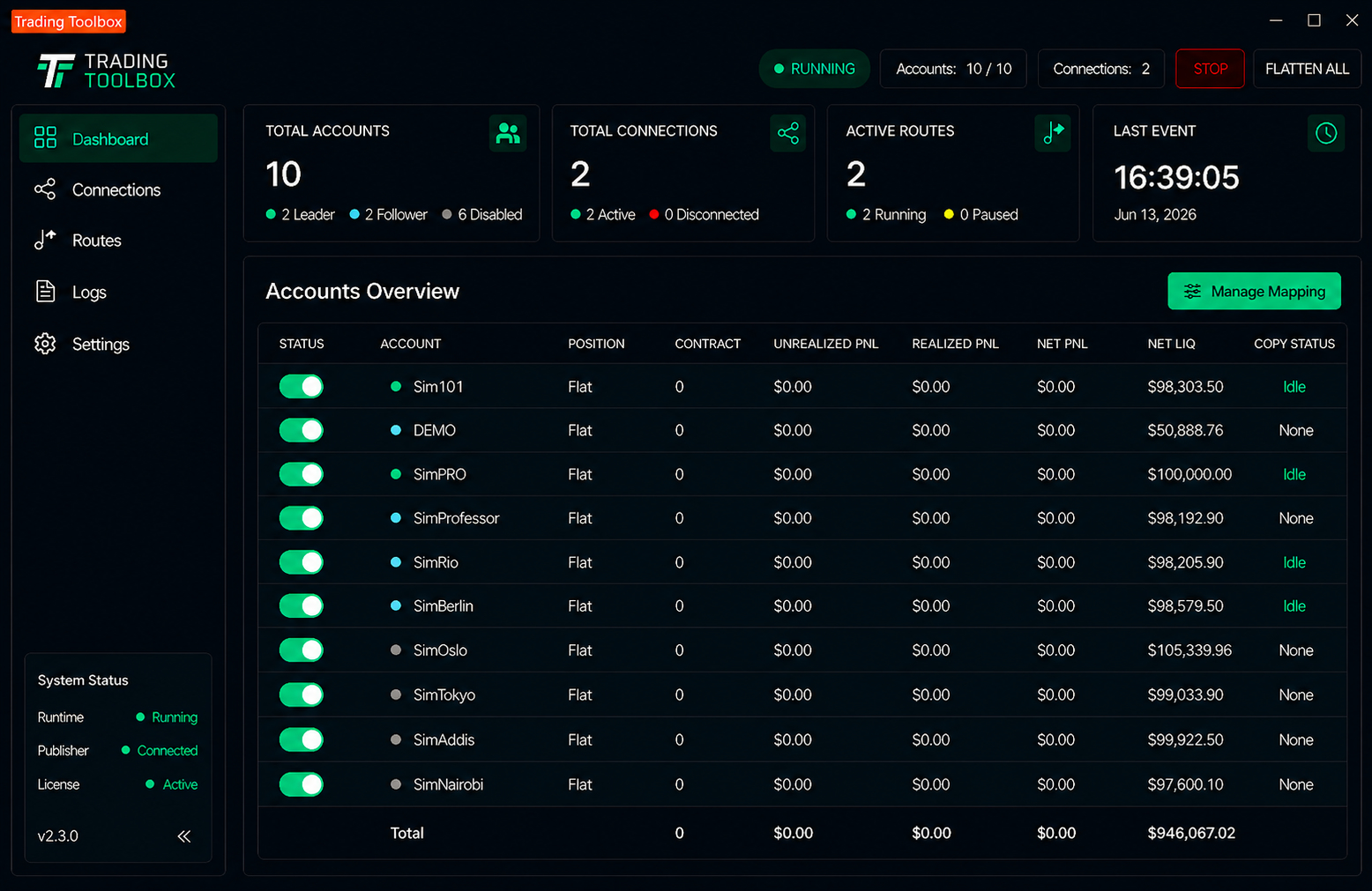
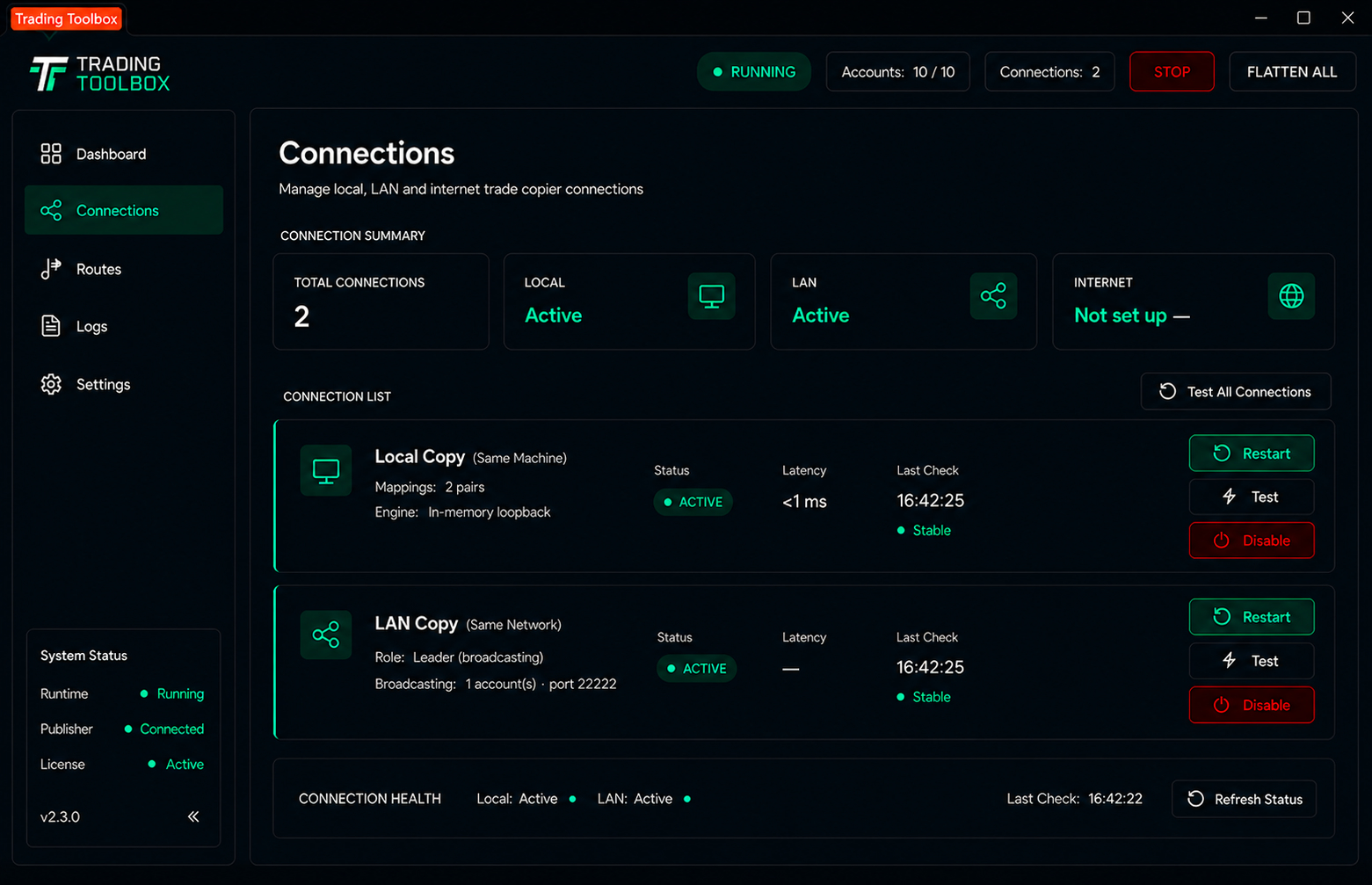
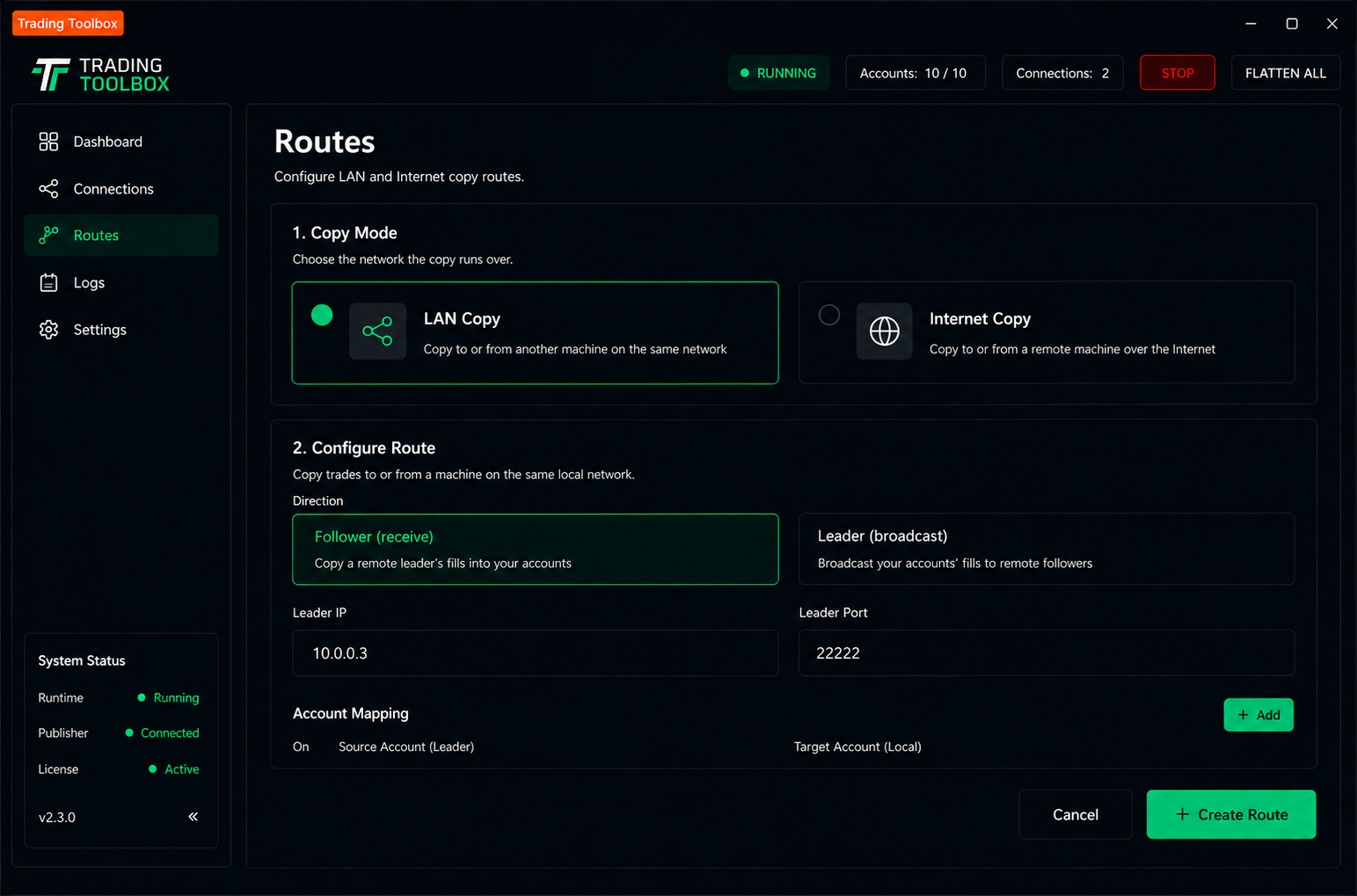
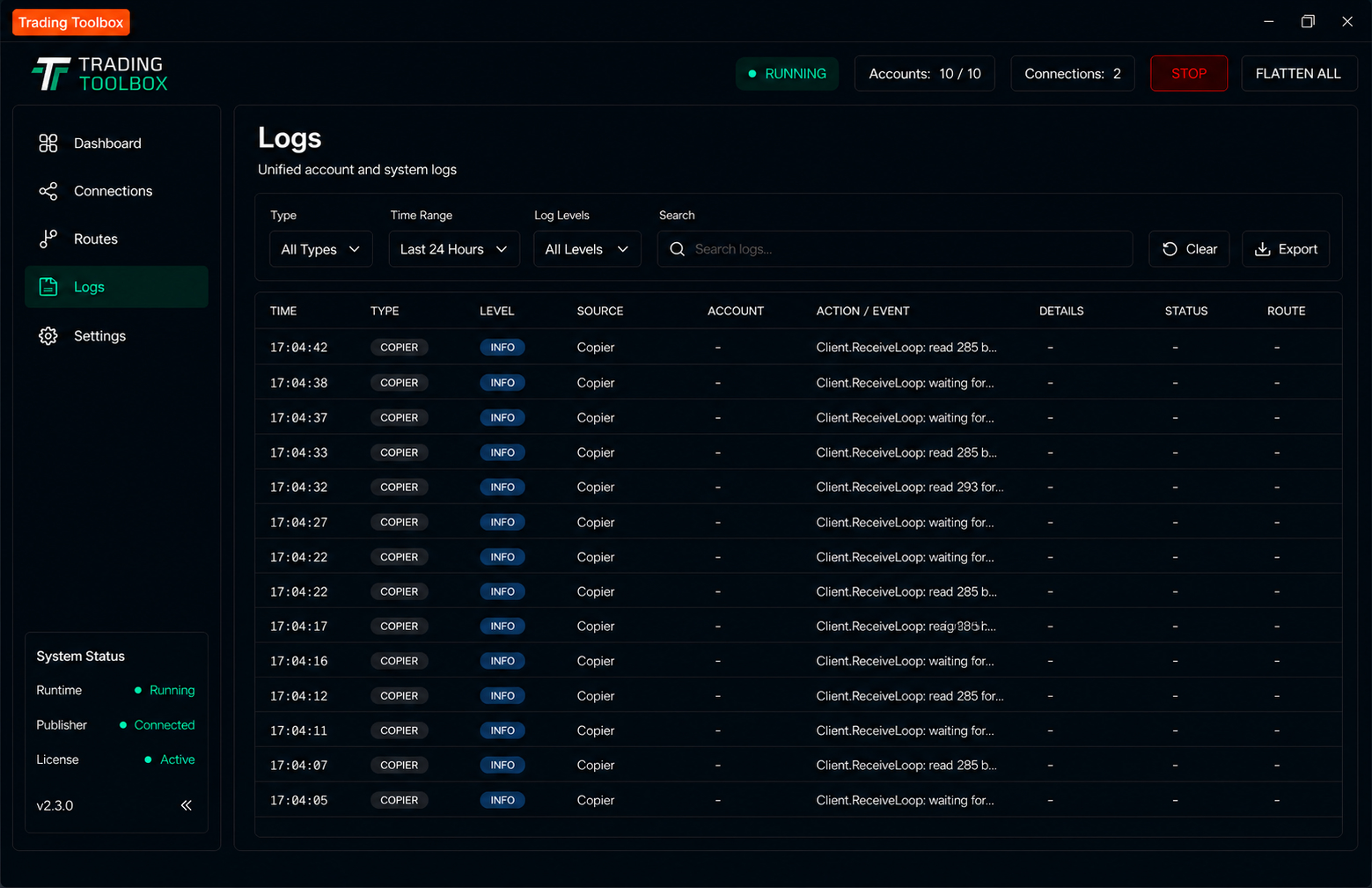
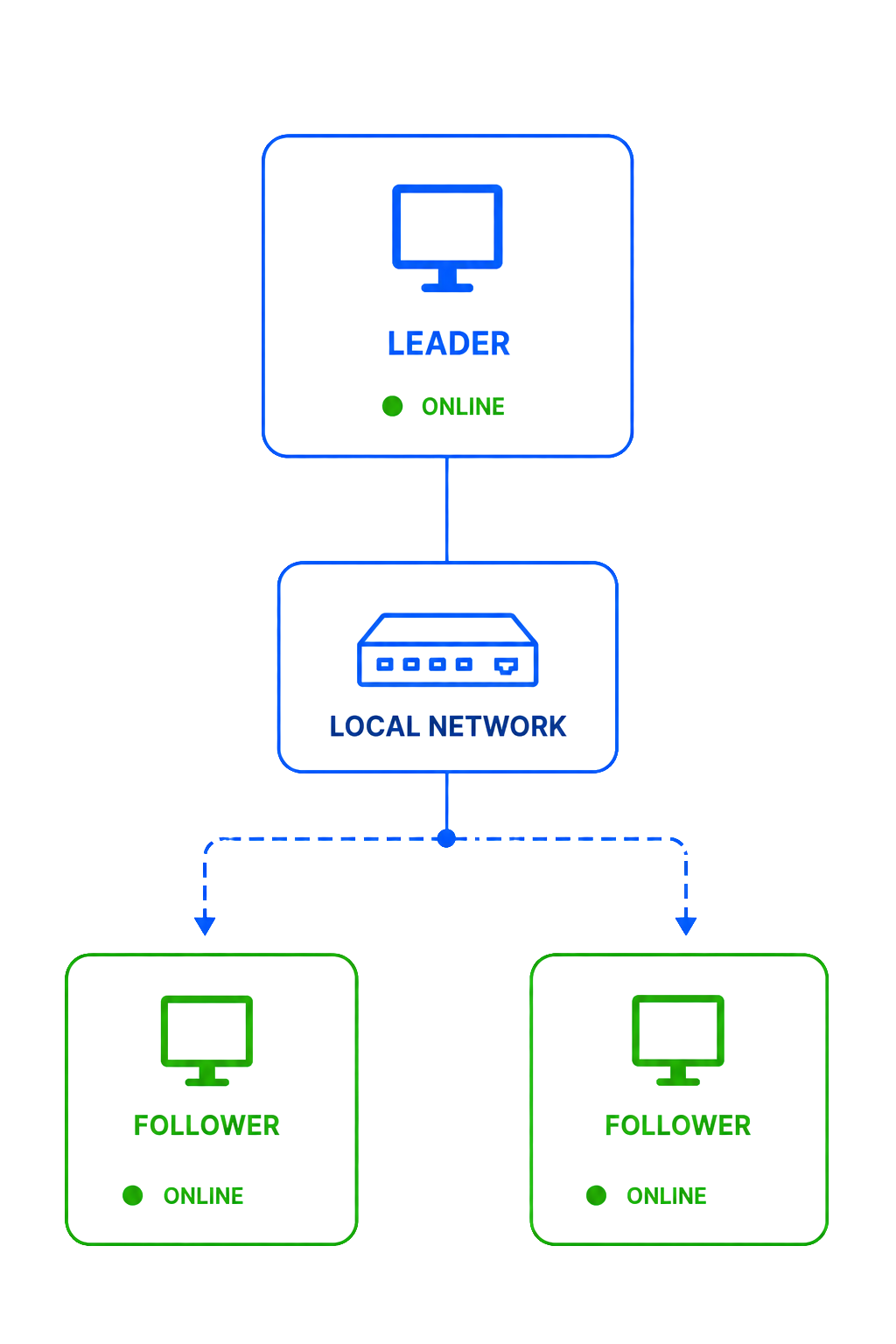
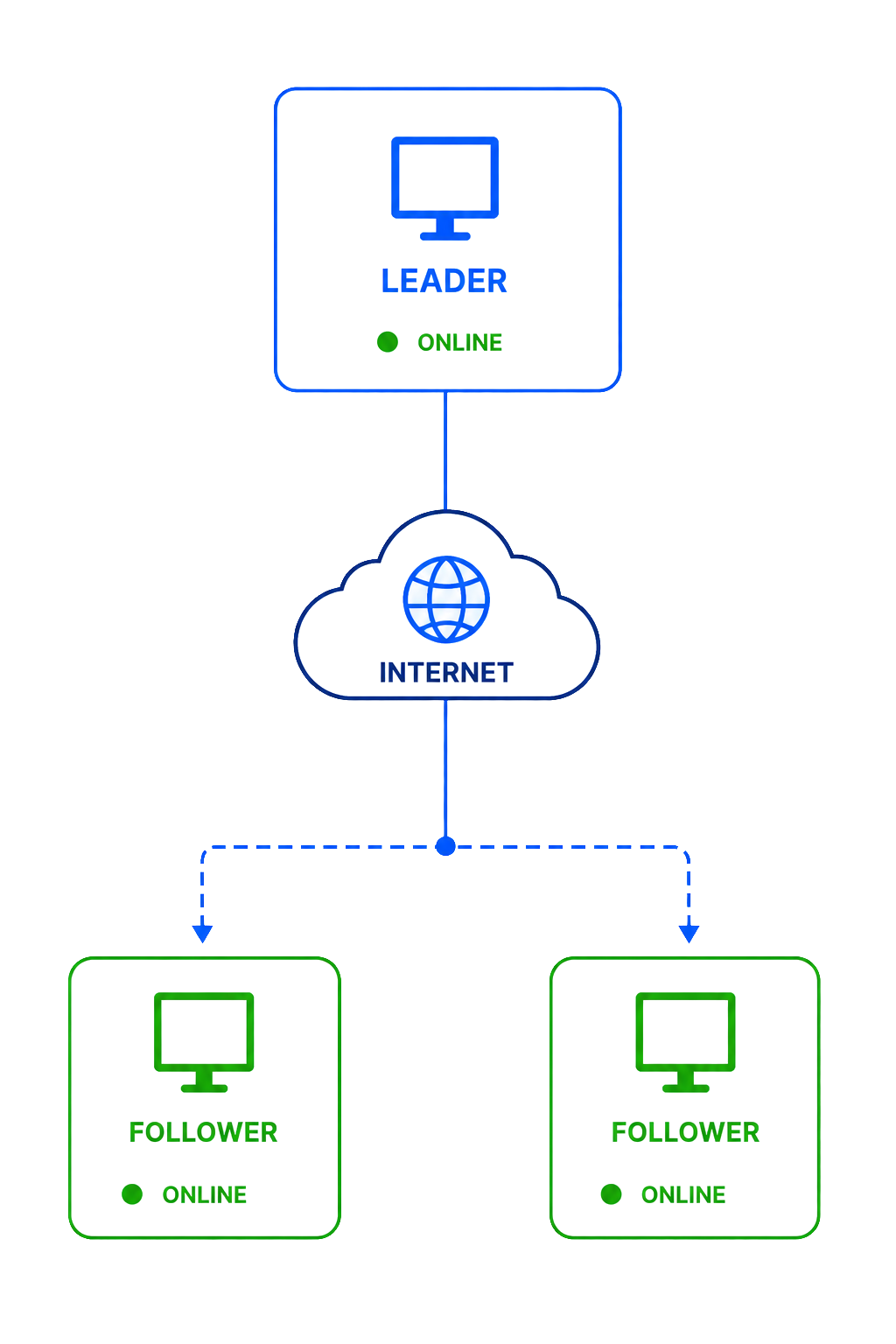
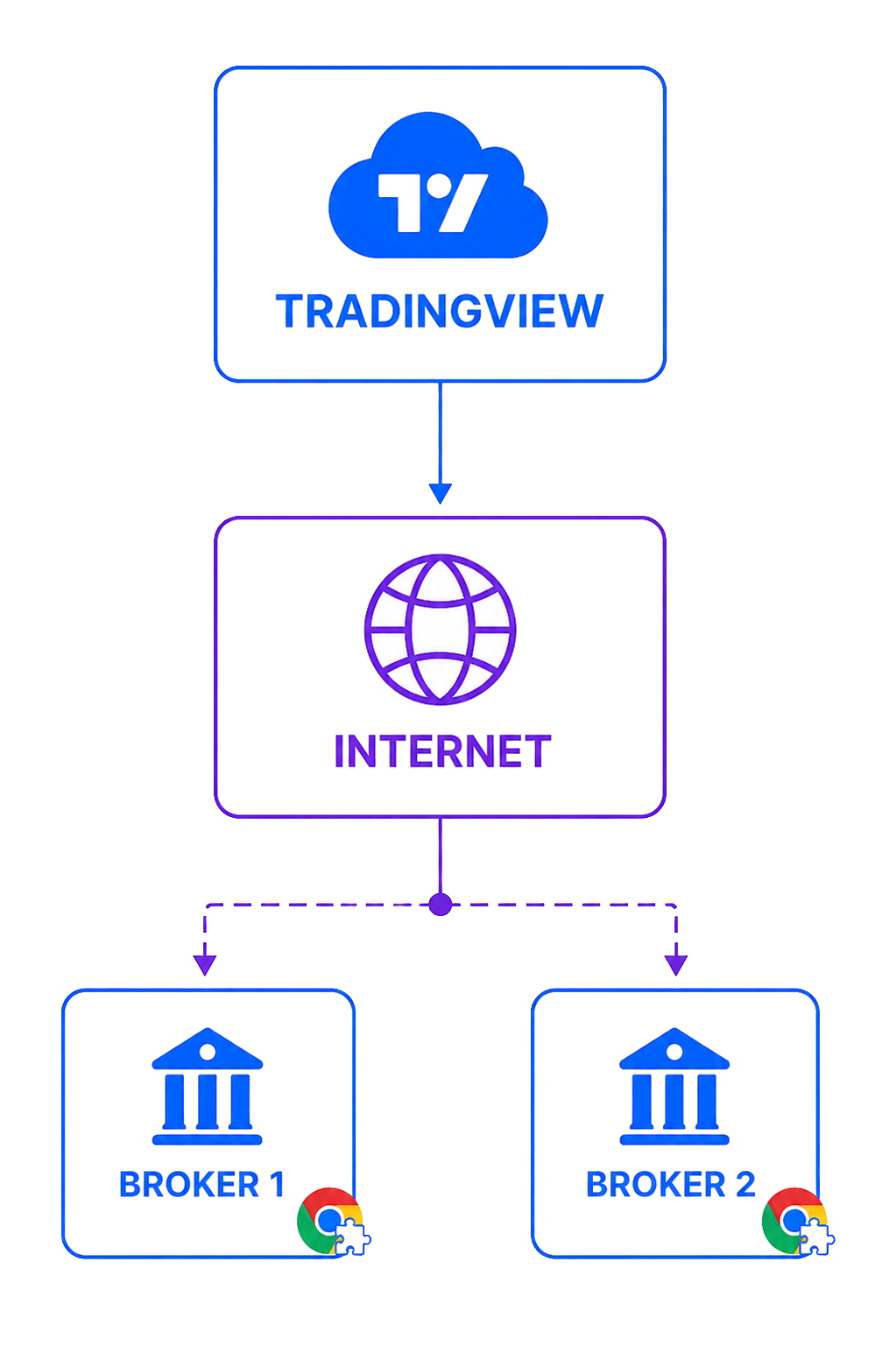
Your master account broadcasts to followers across local processes, machines on your LAN, or anywhere on the public internet — independently routed and independently scaled.




Configure once, audit always. From install to first cross-machine fill in under ten minutes.
Connect
Drop the Trading Toolbox add-on into NinjaTrader 8 on every machine. Designate one account as Master, the rest as Followers — no cloud signup, no API keys to leak.
.png)
Route
Map any master account to any follower. Filter by instrument, apply per-route multipliers, reverse direction for hedging accounts, and save profiles for prop firm audits.
.png)
Execute
Hit the master order. Followers fill in milliseconds. Watch every leg replicate in the live tape and audit the round-trip from order intent to fill confirmation.
.png)
Not a feature dump — the design principles we won't compromise on.

Per-route filters, multipliers, and reversal flags. Save and version configs per prop firm.

Sub-ms on local IPC. Predictable WAN routing with timing telemetry on every fill.

Zero third-party servers. Encrypted transport. Credentials never leave your machines.

One master, hundreds of followers. Fan out across local, LAN, and VPS in parallel.

Talk to traders, not a ticket queue. Setup help, route review, and prop-firm onboarding.

Install, designate Master, draw your routes. First copied fill on the tape under ten minutes.
Download the NinjaTrader add-on, drop in your accounts, and have your first cross-machine fill on the tape in under ten minutes.
14-day trial · works with NinjaTrader 8 · Windows 10 / 11
Choose the plan that fits your needs. All plans include essential features to get you started, with options to scale as you grow. No hidden fees and the flexibility to change anytime.
Perfect for traders running accounts on the same computer or local network.
/ month or ($192/year you save 20%)
Designed for traders managing accounts across VPSs, remote machines, and multiple locations.
/ month or (288/year you save 20%)
Most setup questions are answered here. If yours isn't, the form above goes straight to a trader.

Trading Toolbox is designed for NinjaTrader-based trade copying and account management.
Local Copier copies trades between accounts on the same computer.
LAN Copier copies trades between computers connected to the same local network.
Internet Copier copies trades between remote computers, VPS environments, or different locations over the internet.
Yes. One leader account can distribute trades to multiple follower accounts simultaneously.
No. Trading Toolbox does not impose limits on the number of follower accounts you can manage.
Yes. You can create multiple independent copier sessions for different strategies, prop firms, or trading groups.
Trading Toolbox includes account-level protection features such as:
Yes. Position sizing can be configured independently for each follower account.
No. Trading Toolbox does not store broker usernames or passwords.
Yes. Many traders use Trading Toolbox to manage and scale multiple prop firm accounts.
Not always. Fill prices may vary slightly due to market conditions, broker execution, latency, and account type.
The system logs rejected orders and provides visibility into copier activity. Protection rules can also be configured to help prevent unwanted copying behavior.
No. A VPS is optional. Local and LAN copier modes can run entirely within your own environment. A VPS is typically recommended for Internet Copier deployments and 24/7 operation.
Most traders can complete setup in a few minutes using the included configuration wizard and documentation.
Yes. We offer a free trial so you can test the software and ensure it fits your trading workflow before subscribing.
Standard plans include basic support. Professional plans include high-priority support and faster response times.

© 2026 Trading Toolbox · Not affiliated with NinjaTrader, LLC